
OneID: Personal data privacy is always a top priority
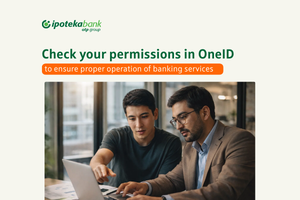
OneID: Personal data privacy is always a top priority
Security culture when using digital services is very important.
To protect your data, additional measures have been implemented, and the ability to grant or restrict access to your personal data by other systems is provided based on your consent.
If you want to share your personal data with other systems and organizations (banks, financial, insurance, telecommunications, and others), you can use the OneID system to grant or restrict access:
Go to the website https://id.egov.uz on your computer.
If you are not registered in the system, please register.
Log in using the available methods on the website.
Activate the service in the “Manage Personal Data” section using Digital Signature (DS) or Mobile-ID.
Open or close the lock icon next to the desired organization.
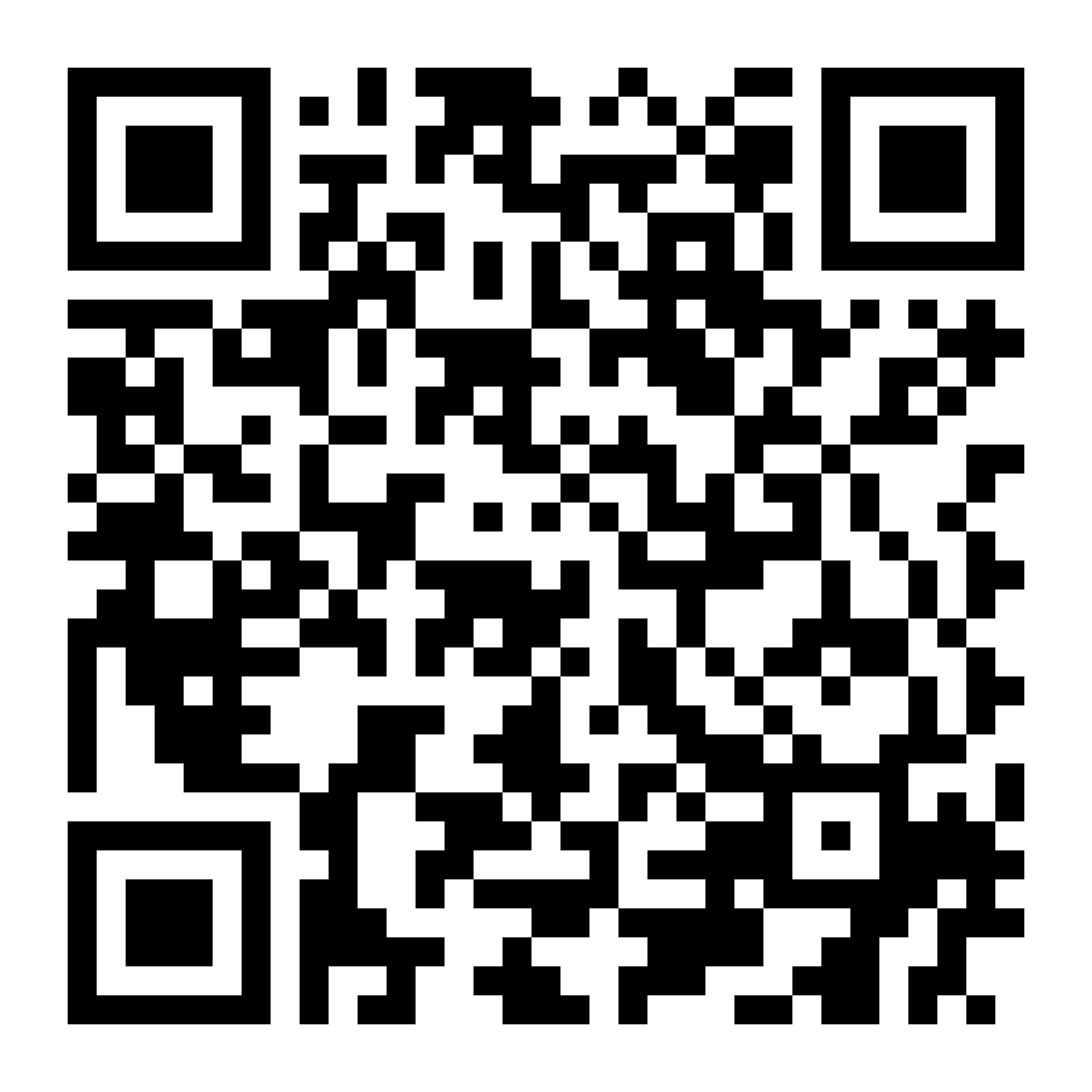
Tip: If you choose to log in to the OneID system using a QR code, the “Manage Personal Data” section will be activated automatically:
Download the OneID app from Google Play
Download the OneID app from App Store
Complete quick authorization via Mobile-ID or MyID.
Press the scan button at the bottom of the app and scan the QR code on your computer screen.
Dear users!
Restricting access to your data is not an inconvenience, but one of the most effective ways to protect against cybercrime. Treat your security responsibly.
Your data — under your control!
To protect your data, additional measures have been implemented, and the ability to grant or restrict access to your personal data by other systems is provided based on your consent.
If you want to share your personal data with other systems and organizations (banks, financial, insurance, telecommunications, and others), you can use the OneID system to grant or restrict access:
Go to the website https://id.egov.uz on your computer.
If you are not registered in the system, please register.
Log in using the available methods on the website.
Activate the service in the “Manage Personal Data” section using Digital Signature (DS) or Mobile-ID.
Open or close the lock icon next to the desired organization.
Tip: If you choose to log in to the OneID system using a QR code, the “Manage Personal Data” section will be activated automatically:
Download the OneID app from Google Play
Download the OneID app from App Store
Complete quick authorization via Mobile-ID or MyID.
Press the scan button at the bottom of the app and scan the QR code on your computer screen.
Dear users!
Restricting access to your data is not an inconvenience, but one of the most effective ways to protect against cybercrime. Treat your security responsibly.
Your data — under your control!


↑