
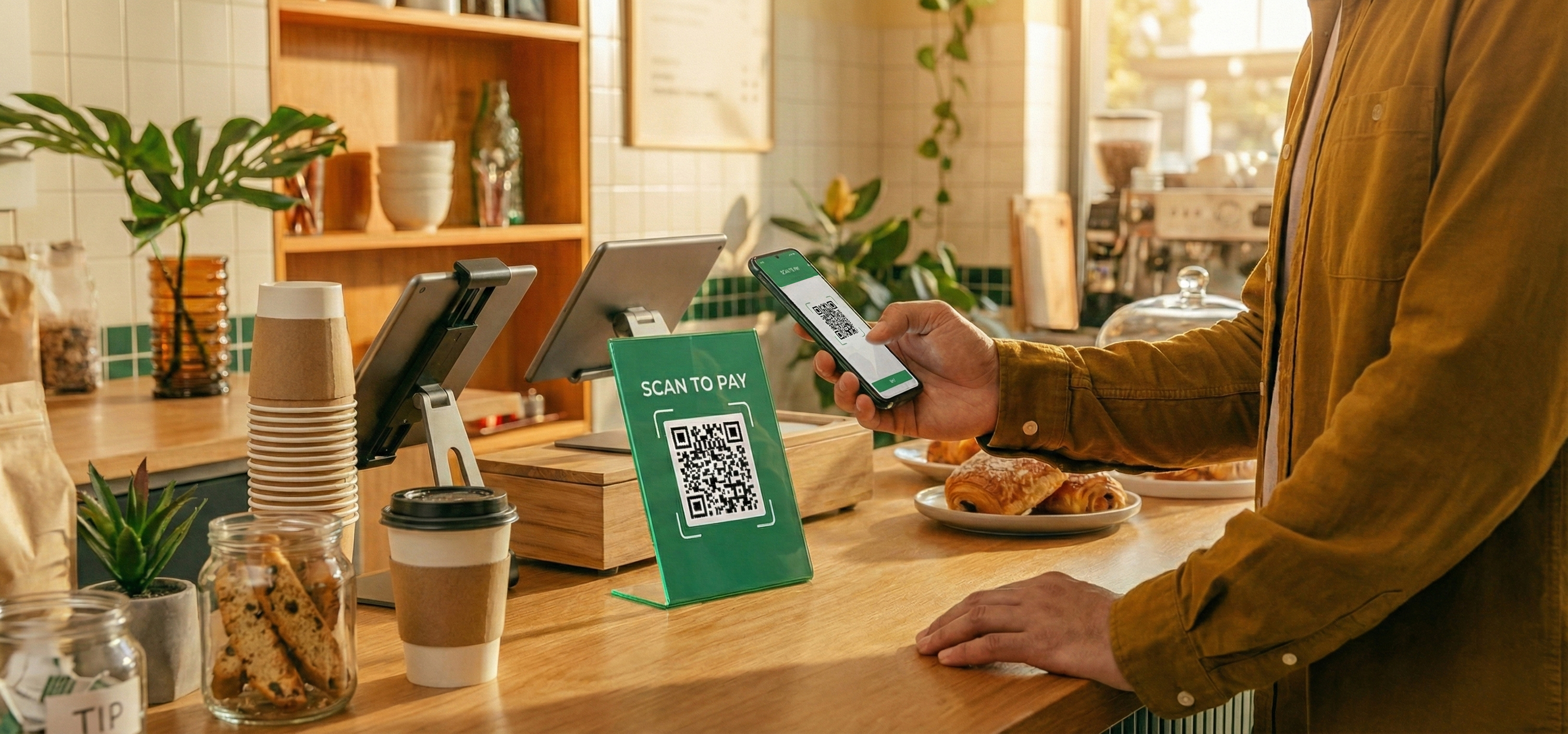
QR-оплата
Позволяет принимать платежи без установки терминала. Клиент оплачивает покупку со смартфона — в торговой точке или онлайн. Решение, которое легко внедряется и масштабируется вместе с бизнесом.
QR Online
Online QR-code payment acceptance
A QR code is placed on a website, in a service, or on an invoice. The customer scans the code and confirms the payment in a mobile banking app.
Who it’s for
- Online stores
- Services and platforms
- Companies that accept remote payments
How it works
The customer scans the QR code and confirms the payment in a mobile banking app.
What you need
The customer’s smartphone and the QR Online service enabled.
Tez QR
QR-code payment acceptance at the point of sale
The QR code is displayed at the checkout or with the cashier. The customer scans the code and confirms the payment using their smartphone.
Who it’s for
- Retail stores
- Cafés and restaurants
- High-traffic outlets
How it works
The customer scans the QR code and confirms the payment in a mobile banking app.
What you need
The customer’s smartphone and activation of the Tez QR service.
Which option is right for your business
Compare QR payment acceptance methods based on your business scenario
Business scenarios
QR Online
Tez QR
Online payments
Cafés and restaurants
No POS terminal required
Point of sale
Mobile/on-site sales
QR Online
Online payments
Cafés and restaurants
No POS terminal required
Point of sale
Mobile/on-site sales
Tez QR
Online payments
Cafés and restaurants
No POS terminal required
Point of sale
Mobile/on-site sales
QR payment tariffs and terms
Business scenarios
QR Online
Tez QR
Fee for Uzcard, Humo cards
0.25%
1%
Fee for Visa, Mastercard cards
0.25%
1%
Connection
Free
Free
Equipment
Not required
Not required
Fee for Uzcard, Humo cards
0.25%
Free
Not required
1%
Fee for Visa, Mastercard cards
0.25%
Free
Not required
1%
Connection
0.25%
Free
Not required
1%
Equipment
0.25%
Free
Not required
1%