
How to set up OneID to access Ipoteka Bank services
Now, to use some banking and payment services, you need to grant permission to use your personal data in OneID.
Step 1: Connect Mobile-ID in MyGov
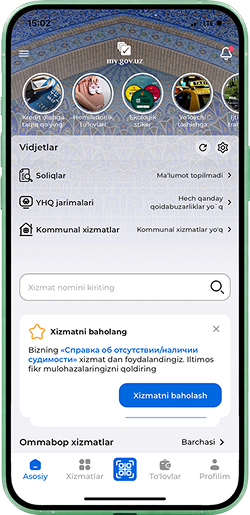
1
Log in to the MyGov app
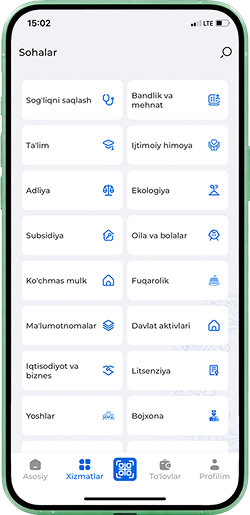
2
In the search field, type “mobile id”
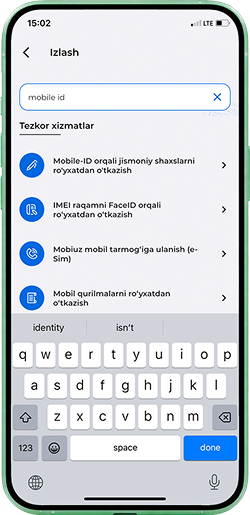
3
Select the service “Registration of individuals via Mobile-ID” and tap “Get the service”
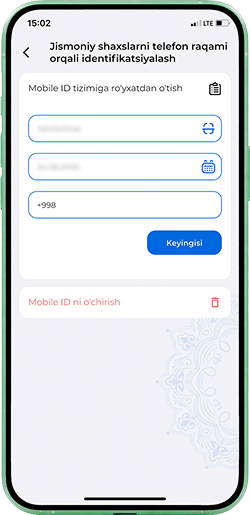
4
Enter the phone number registered in your name
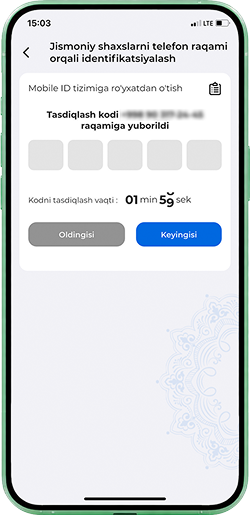
5
Enter the SMS code
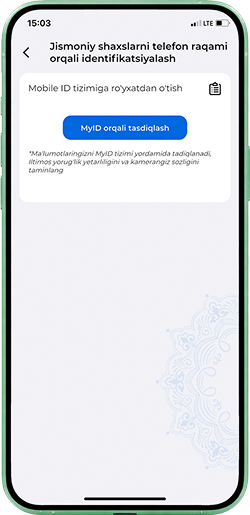
6
Tap “Verification via MyID”
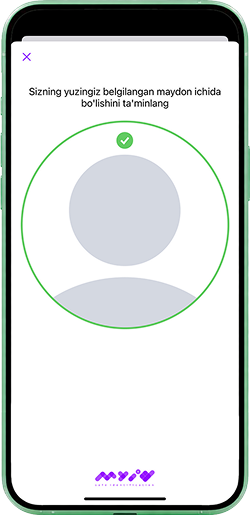
7
Take a selfie for verification
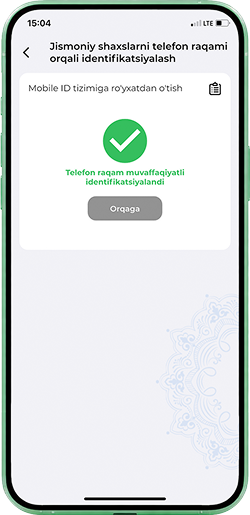
8
Wait for confirmation of successful registration
Step 2: Enable access in OneID
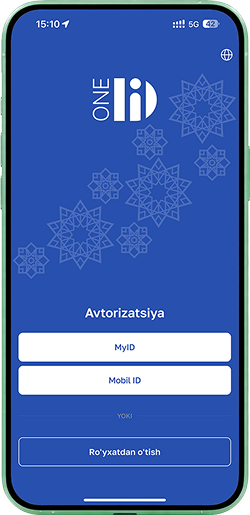
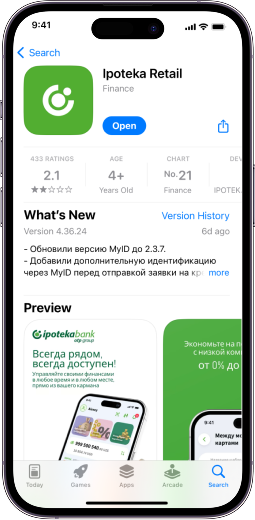
Now download the OneID mobile app (iOS/Android) and sign in via Mobile-ID using the number you just added
1
Log in to the OneID app, selecting authorization via Mobile-ID
2
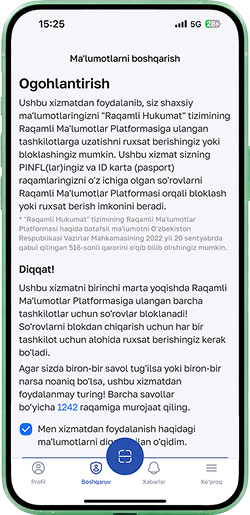
In the “Management” section, accept the terms and tap the activation button
3
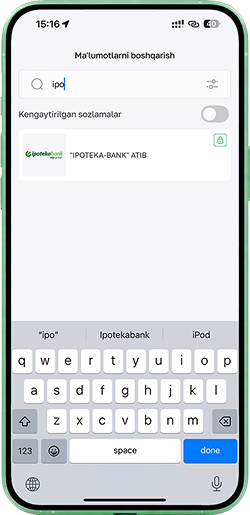
Search for “Ipoteka” and tap “IPOTEKA-BANK”
4
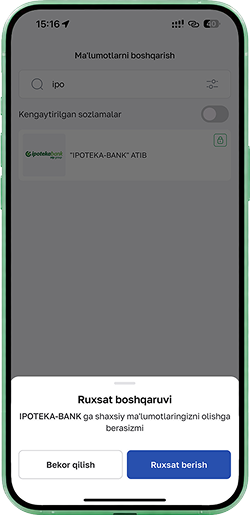
Confirm access by tapping “Allow”
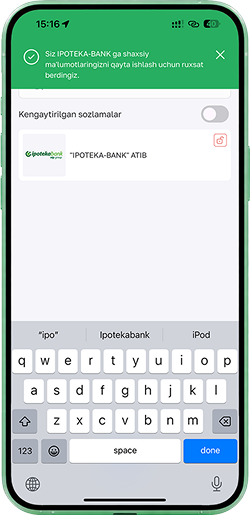
5
Wait for the notification confirming that access has been granted
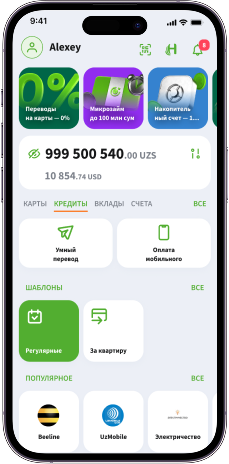
Done! Everything should work now
If the error still persists, contact our support service at 1233






↑